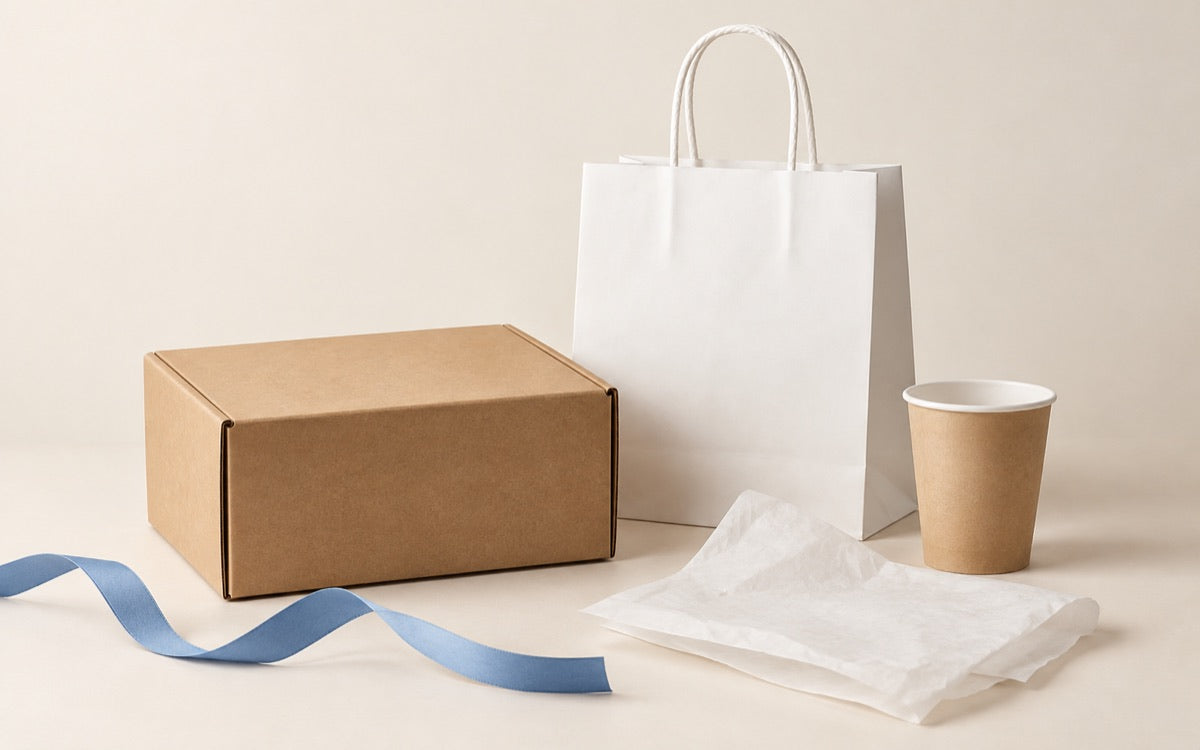
People have been sending us more and more AI-generated packaging images and asking, “Can you make this?” I work on these requests with our customer service team, and the honest answer is often: maybe, but we need to look at what the image is actually showing.
A customer once sent us a pink PET cup. Colored PET cups exist, but making the plastic itself pink can mean a very large order. Sometimes the customer simply likes the pink look in the image. A strawberry drink in a clear cup already gives you that color, and the same cup still works when the next drink is green. We also saw a lovely bag concept for a nail brand, covered in sparkling details. Were those meant to be printed, foiled, or actual embellishments? The image didn't tell us, and each option would feel different once the bag was folded, shipped, and used.


I'm not sharing these because AI images are bad. Some of them look fantastic. The trouble usually starts earlier: we generate an entire branded scene before we have even settled on the brand assets. So for the first post in this series, I want to start with the most basic one: the logo.
Make the logo first
If you pull a logo out of a finished AI image, the edges might be soft, the letters may be slightly wrong, and there may be a colored background stuck behind it. Print that file on a cup or box and you might get an unwanted solid block around the logo. Ask AI to make another image tomorrow and it may quietly change the logo again.
Before making packaging mockups, I would choose one standalone logo and keep it as the brand's reference. Check the spelling, shape, colors, and how it looks at a small size. Keep a transparent version and, ideally, a one-color version too. For print, ask for a real, editable SVG or another suitable vector file; a high-resolution transparent PNG can still be useful for previews and some production workflows. A PNG doesn't become vector just because it looks sharp on screen.
The logo prompt I tried
I used ChatGPT 6 sol for two quick examples, SunSip and Leaf Bowl. I changed the brand details but kept the printing constraints the same. Here's a prompt you can copy and adapt:
Create one original, standalone logo for “[BRAND NAME]”. We sell [PRODUCTS] to [AUDIENCE]. The brand should feel [THREE ADJECTIVES]. Use [SIMPLE ICON IDEA] with a clear, readable wordmark in [UP TO TWO COLORS].
This logo will be used repeatedly on cups, boxes, bags, labels, and online. Show it straight on, by itself, on a transparent background if possible. Use flat solid colors, clean edges, simple shapes, and details that remain legible when printed small. Spell “[BRAND NAME]” exactly. Make the design work in one color as well. Create one concept, not a sheet of different options.
No product mockup, background rectangle, photograph, gradients, shadows, glow, glitter, metallic finish, 3D effect, texture, tiny text, or extra words. Do not imitate an existing brand. If you can output a genuine editable SVG, provide it; otherwise give me the cleanest transparent image you can and do not label it as vector.
For SunSip, I entered a fruit drink shop serving cold-pressed teas and smoothies, with a rounded fruit-drop icon, sans-serif lettering, soft lime green, and deep peach. For Leaf Bowl, I entered a healthy lunch shop serving bowls, salads, and wraps, with a leaf-and-bowl mark in sage green and warm cream.


The images above are transparent PNG examples from my test. ChatGPT 6 sol can also output SVG files; you can try asking the model you use for one. If it cannot, try another route or have the selected design converted and checked. Open the SVG and inspect it: the artwork should actually be editable vector shapes, not a PNG hidden inside an SVG container. I would also check the letters, the smallest details, the single-color version, and whether I really want to keep this logo for the brand.
Now use that same logo on a cup
Next, I took an existing clear PET cup image and supplied the SunSip logo separately. The instruction can be very short:
Replace the logo on the PET cup with the attached SunSip logo. Keep its spelling, shape, proportions, and colors consistent. Size and position it naturally on the cup. Do not change the cup, lid, drink, lighting, or background.


This first try looked pretty good to me. If it didn't, I would adjust the position or size and generate again. I would still compare the result with the original logo file, especially the letters and colors. An AI cup image helps us discuss the look; it isn't the final print file.
There's another easy way to check the placement: on the SkyIslets clear PET cup page, you can upload your logo in the online designer, move it around, and see an approximate 3D preview. That makes it easier to judge whether the logo feels too big or too small.

That's the whole idea for this first post: settle the logo, keep the file, and build your packaging concepts around it. I'll keep sharing the steps I use to take AI ideas toward packaging that can actually be printed and produced. You can do a lot with the AI tool you already use and a basic understanding of the materials and process. You don't need to keep subscribing to one design tool after another just to find out that the result still needs fixing. Once you understand what to ask for, the work gets much simpler and faster.